Zamzar PDF to CSV
This page compares Zamzar PDF to CSV with the free converter on this site. It is not Zamzar: their tool is on zamzar.com.
Both turn a table in a digital PDF into a CSV. The difference is where your file goes and what the free tier allows.
The short verdict
Pick by what you need:
- Zamzar — you want XLS or XLSX instead of CSV, you start from an .xlsx file, or your file is over 50 MB and a paid plan is fine.
- This converter — the PDF shouldn't leave your computer, or you have more than two files a day.
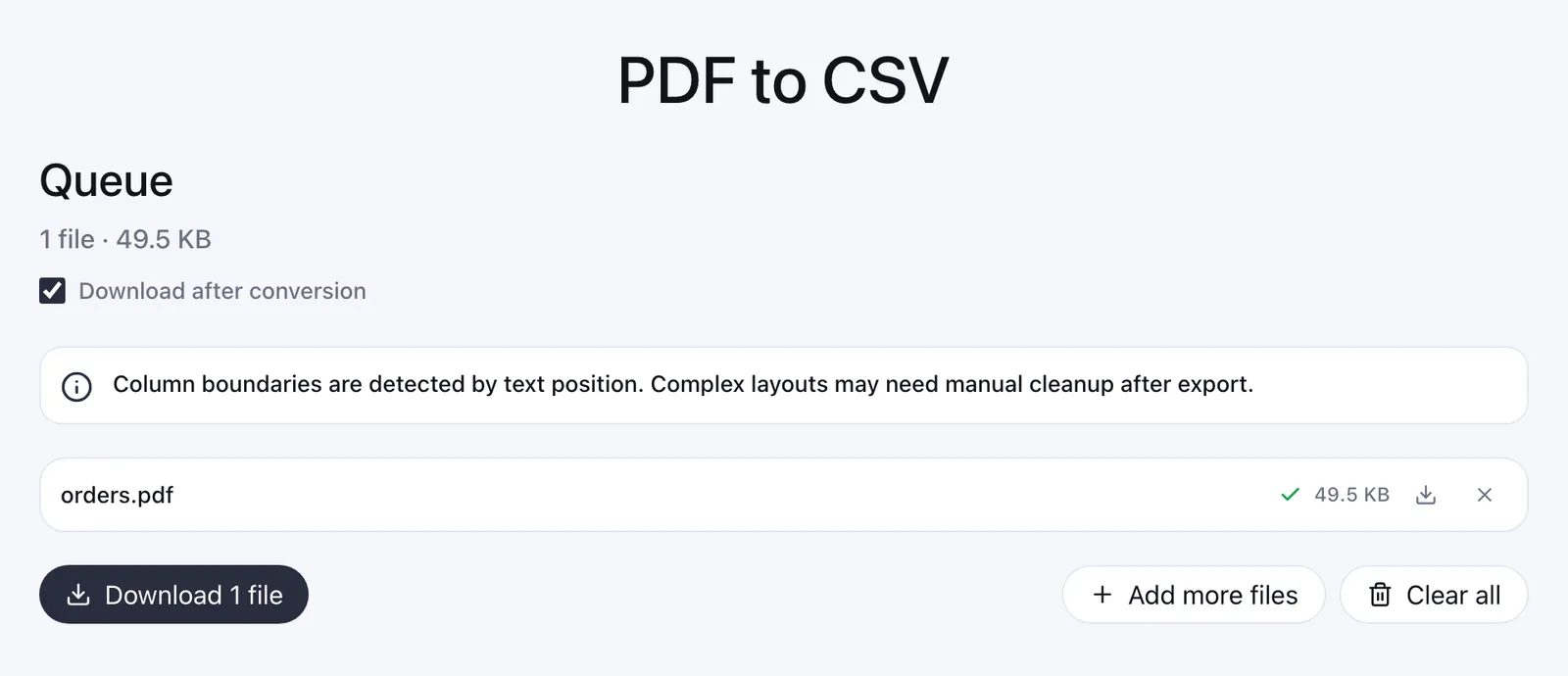
Zamzar PDF to CSV vs this converter
Checked on October 22, 2026 on Zamzar's PDF to CSV page and pricing page. On free file size their PDF to CSV page names two numbers: 2 MB in the upload box and 50 MB in the error message. Prices and limits change, so check theirs before you pay.
| Feature | Zamzar | This converter |
|---|---|---|
| Where the file goes | Uploaded to Zamzar's servers. Free files are kept up to 24 hours | Stays in your browser. Nothing is uploaded |
| Free file size | Page names both: 2 MB in the upload box, a 50 MB free limit in the error message | 50 MB per file, 200 MB per batch |
| Free files per day | 2 per 24 hours | No daily cap, 10 files per batch |
| Paid plans | $12, $19 or $39 a month; files up to 200 MB, 400 MB or 2 GB | None. Free, no signup, no watermark |
| Batch | Several files at once; 25–100 at a time on paid plans | Up to 10 PDFs, CSVs saved as one ZIP |
| Scanned PDFs (OCR) | Not mentioned on the PDF to CSV page | No. Needs selectable text |
| Formats from PDF | CSV, XLS, XLSX and others | CSV (UTF-8) only |
| Excel files in | Yes: XLSX to PDF, XLSX to CSV | No. CSV or TSV to PDF only |
Zamzar Excel to PDF and Excel to CSV
Zamzar takes an .xlsx file as it is. The upload box shows 1 MB on the Zamzar Excel to PDF page and 50 MB on the Zamzar Excel to CSV page; both error messages name a 50 MB free limit.
This converter reads CSV, not .xlsx. Excel makes the CSV itself: File → Save As → CSV UTF-8. The Excel to PDF guide covers the rest, with no upload.
Scanned PDFs — the honest limit
This converter needs a digital PDF with selectable text. A scan is a picture of a page, and reading it takes OCR, which isn't built here yet.
Zamzar's PDF to CSV page doesn't say whether it reads scans. If yours is a scan, test one page there before you pay.
Related pages
Have a digital PDF? Drop it on PDF to CSV and the CSV is ready in the same tab.
- PDF to CSV — the converter, in your browser.
- Excel to PDF — from a workbook to a PDF table via CSV.
- CSV to PDF — the main tool.
- About — who builds this and why.